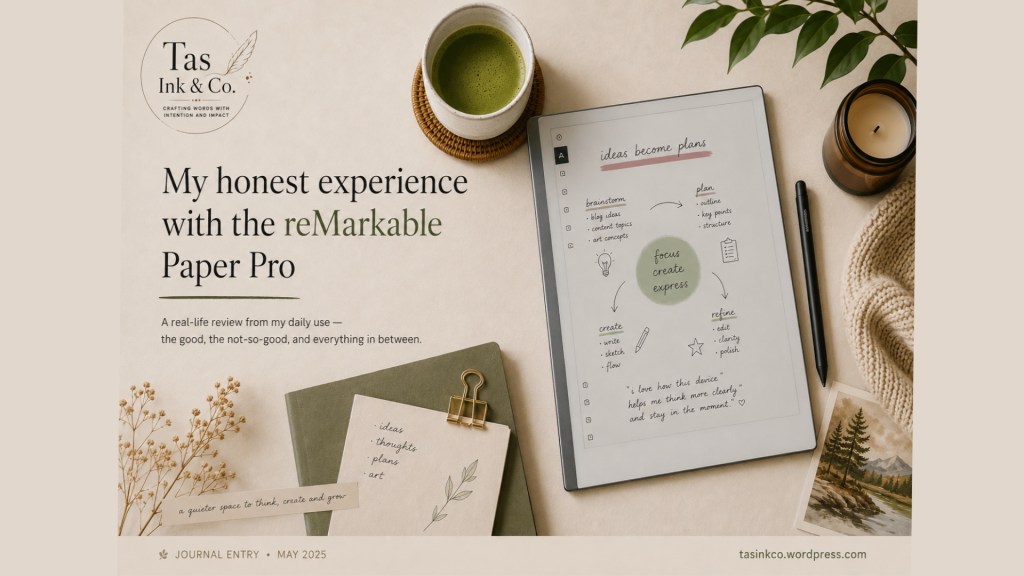
I got the reMarkable Paper Pro in April 2025, and to be honest, this tablet has become part of my daily life.
This blog is an account of how I use it, what I appreciate about it, and where I am disappointed. So it’s my personal thoughts and not a technical analysis.
Why Is the reMarkable Right for Me
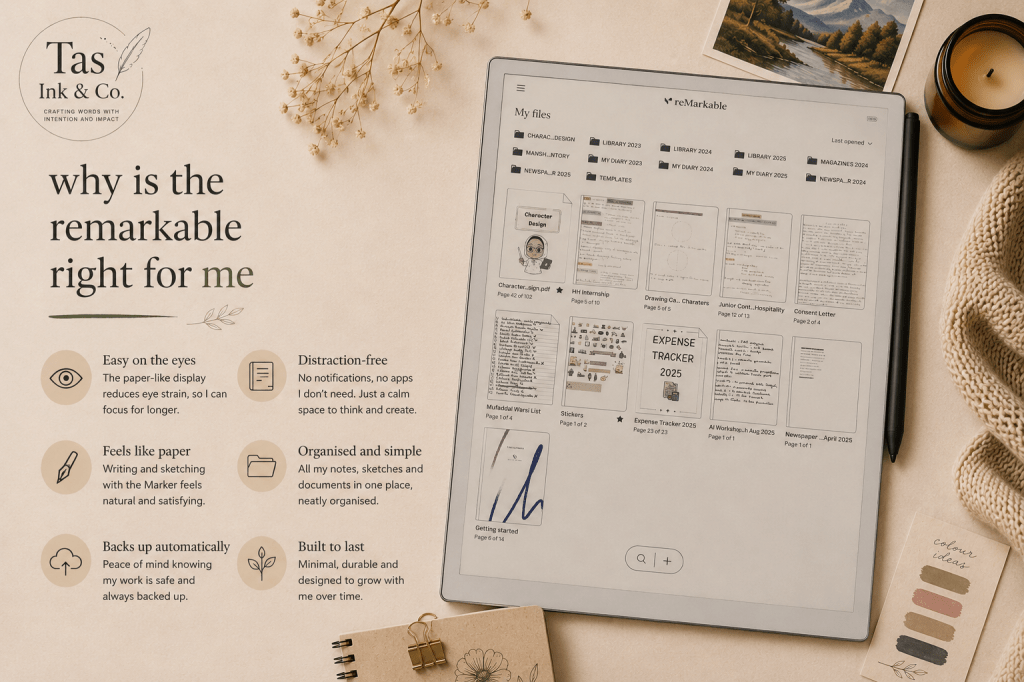
I was working as a librarian at the time, and most of my work involved taking notes, writing book descriptions, planning, and maintaining my daily schedule. I am quite an organised person, so I wanted all my notes in one place. My first option was to use my iPad, but it came with other distractions, an eye-straining screen, and, most importantly, it didn’t give a smooth paper-like feel, which made my handwriting look wobbly and not neat.
I wanted something similar to writing on paper. Plus, I wanted a device that focused solely on writing, nothing else. I came across the reMarkable through social media ads and, after extensive research, decided to go for it.
I mainly picked the pro version for its colours. When I write, I highlight everything, and therefore, this device suited me perfectly.
I just started working as a freelance content writer, and this is where the reMarkable really stands out.
I use it to:
- Brainstorm ideas
- Plan out my content
- Sort out my thoughts before I start writing
I prefer handwritten notes to typing, as I am more comfortable jotting down my ideas before making the final draft. Plus, the handwriting-to-text feature makes it very easy for me to convert my notes to clean PDFs.
I actually wrote this blog post on reMarkable, too!
A Quite Little Space For My Art
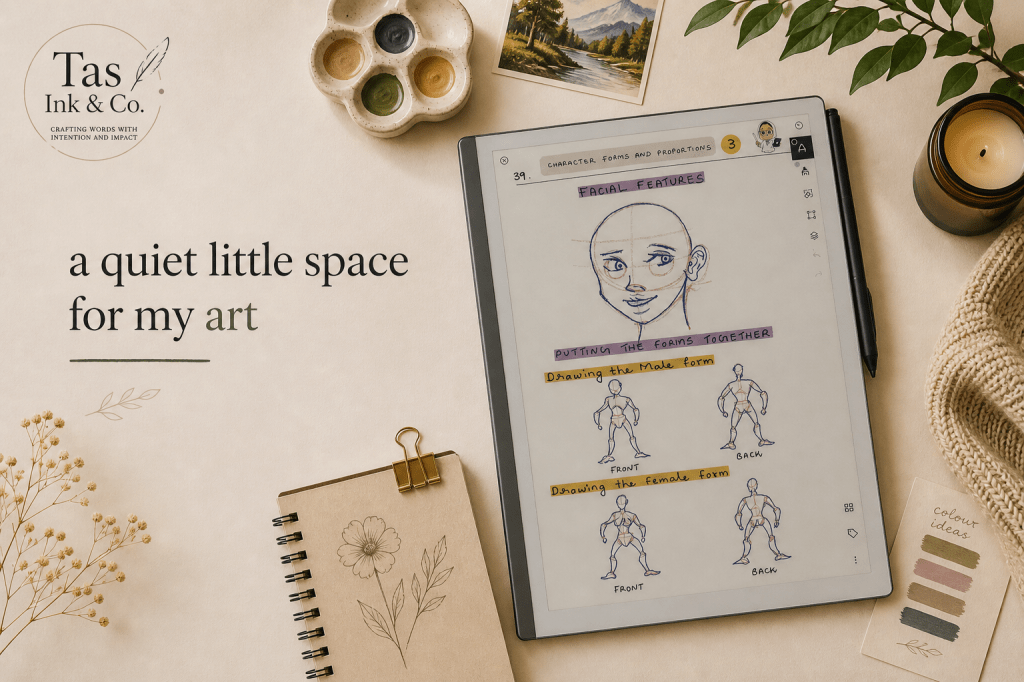
I love drawing too, and have taken courses in it. So I use the reMarkable to take notes for my courses. Although I use the iPad mainly for my artwork, I use the reMarkable to write down my art ideas and sketch my main ideas to give them a traditional feel. This device has various pen options, but I specifically like the shader tool. This tool is great for mixing colours and creating new ones. Simple yet effective.
Little Things That Matter More
Sending files from the reMarkable is a breeze. Whether I want to send a single page or an entire file, it’s fast and uncomplicated.
What put me off
However, syncing the reMarkable across devices and using its templates is not completely free. You need a Connect subscription to use it. I found it a little costly for a beginner, but they do offer annual savings plans. I currently have a free 6-month Connect subscription. As I use only the iPad and the reMarkable for my work, I don’t see the need to continue the paid subscription as I transfer my files via email. Maybe when I grow as a professional, I’ll subscribe to it.
When Things Don’t Go As Planned
Now, let’s come to the complex part of this review.
Since this is an e-ink device, ghosting occurs, especially with colours and while moving text around. A little ghosting was normal, but my problem arose when it became severe and persisted even after refreshing the screen and resetting the device.
Unable to solve the problem myself, I contacted the reMarkable support team. And, they instantly agreed to give me a new device. The replacement took a month, which significantly affected my workflow.
Things went smoothly for a few months, then the same problem occurred again. Once again, I contacted the Remarkable team, and they replaced the device for a second time, but this time with a 6-month Connect subscription. (That’s how I got my free subscription!)
Where I am With It Right Now
Undoubtedly, my interaction with the device is somewhat complex. On the one hand, it is quite a joy to use. It makes me think more clearly and brings me into a state of contemplation. I can express myself without any hindrance. On the other hand, it was expensive, and ghosting was not new to me.
Would I recommend it?
Maybe—provided that you:
- Genuinely love handwriting
- Seek a distraction-free environment
- And are willing to spend some money on it
This is simply my experience with this product. No sponsorship, no influence whatsoever. I use it consistently and have incorporated it into my daily life; this is what it is.
 Tas Ink & Co
Leave a comment